
 English
 Français
 Español
 日本語
 العربية
 繁体中文

Wireless CarPlay: Why Is Initial Pairing Not Enough to Prove Stability?
Olivia | Blue Asia
Email: [email protected]
WhatsApp: +86 176 6360 6879
A wireless CarPlay connection may work perfectly during the first demonstration. But what happens when the driver starts the vehicle again, enters an area with wireless interference, or experiences a temporary connection interruption?
For automotive OEMs and Tier 1 suppliers, successful initial pairing is only one part of the connectivity experience. A reliable system must also maintain a stable connection throughout everyday vehicle use.
1. Understanding Apple's Wireless CarPlay Connectivity Approach
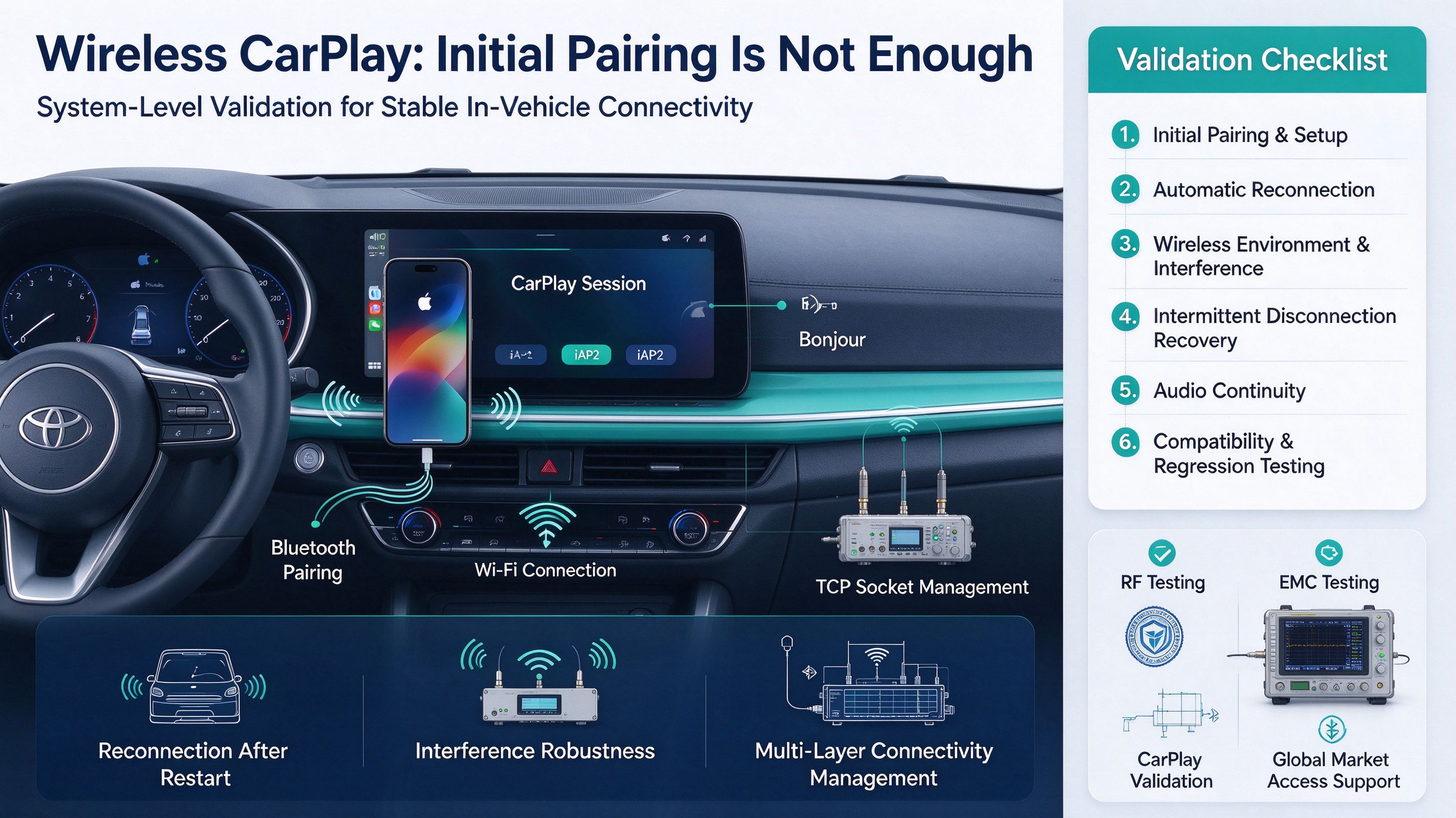
Apple's developer resources describe several mechanisms designed to support wireless CarPlay connectivity.
In its WWDC23 session, Optimize CarPlay for Vehicle Systems, Apple explains that:
After one-time pairing, the vehicle can automatically reconnect with the iPhone when the driver enters the vehicle.
Bonjour can be used to establish an IP connection and start a CarPlay session.
A simplified connection flow can use the existing iAP2 connection to exchange IP address and port information.
The simplified approach supports WPA3-only networks and devices running iOS 14 or later.
Vehicle systems should account for wireless interference that may affect Wi-Fi performance.
Apple also discusses channel-switch announcements, BSS Transition Management for systems with multiple wireless radios, and handling short link disconnections without unnecessarily closing CarPlay TCP sockets.
These details highlight an important engineering consideration: wireless CarPlay is not simply a pairing process. It involves connectivity management across multiple communication layers.
2. What Does a Successful First Pairing Actually Prove?
Initial pairing confirms that the devices have completed the required connection setup under the conditions of that particular test.
However, it does not independently demonstrate that the system will perform consistently across different operating conditions.
For example:
Connection recovery
Can the system reconnect after the vehicle is restarted or the wireless link is temporarily interrupted?
Wireless interference
Does the connection remain usable when other wireless devices or networks affect the operating environment?
Device compatibility
Does the system behave consistently across the iPhone models and iOS versions included in the project's compatibility scope?
Audio continuity
Does audio playback recover smoothly after a temporary connection interruption?
Repeated operation
Does the connection process remain consistent across repeated vehicle entry, startup and shutdown cycles?
These are engineering validation questions, not additional universal Apple certification requirements.
3. A Practical Wireless CarPlay Validation Checklist
For automotive development teams, the following checks can help build a more complete validation plan.
1. Initial pairing and setup
Verify the first-time pairing procedure.
Check the expected USB-assisted pairing experience where applicable.
Confirm that the wireless connection can be established successfully.
2. Automatic reconnection
Repeat vehicle startup and shutdown cycles.
Check whether previously paired devices reconnect as expected.
Observe the time required to restore the CarPlay session.
3. Wireless environment
Evaluate connectivity under different Wi-Fi operating conditions.
Investigate potential interference sources.
Review channel management and access-point transition behavior where applicable.
4. Intermittent disconnection
Simulate temporary wireless interruptions.
Observe whether the system recovers without unnecessary session termination.
Check whether audio and other active functions resume correctly.
5. Compatibility and regression
Test representative iPhone and iOS combinations within the project's defined scope.
Repeat key scenarios after software, firmware or hardware changes.
Maintain records of test conditions, results and identified issues.
4. Why System-Level Validation Matters
Wireless CarPlay performance depends on the interaction between the iPhone, vehicle head unit, wireless communication environment and vehicle software.
A problem that appears to be a connectivity failure may require investigation across different parts of the system.
For example, teams may need to distinguish between:
Wireless communication and interference issues.
Vehicle-side connectivity implementation.
Software and firmware compatibility.
Audio transmission and recovery behavior.
A structured validation process helps engineering teams identify potential issues earlier, reduce repeated troubleshooting and improve confidence before project release.
5. How Blue Asia Can Support Automotive Connectivity Projects
Blue Asia focuses on electronic testing, automotive connectivity and global market access.
Our related service areas include CarPlay and Android Auto testing support, RF and EMC testing, and certification-related project support.
For automotive OEMs, Tier 1 suppliers and infotainment manufacturers, early technical evaluation can help identify potential connectivity and compliance issues during product development.
The specific testing scope and applicable service arrangements can be discussed according to the product configuration and project requirements.
Building a reliable wireless CarPlay experience starts with more than a successful first connection. It requires a structured approach to connectivity, compatibility and system-level validation.
If your team is developing or evaluating an in-vehicle connectivity system, feel free to contact us to discuss your project requirements.
Olivia | Blue Asia
Email: [email protected]
WhatsApp: +86 176 6360 6879
 博客
How Should a Team Respond When an Android Auto
阅读文章
 博客
Wireless CarPlay: Why Is Initial Pairing Not E
阅读文章
 博客
What Happens If CarPlay Hardware or Firmware C
阅读文章
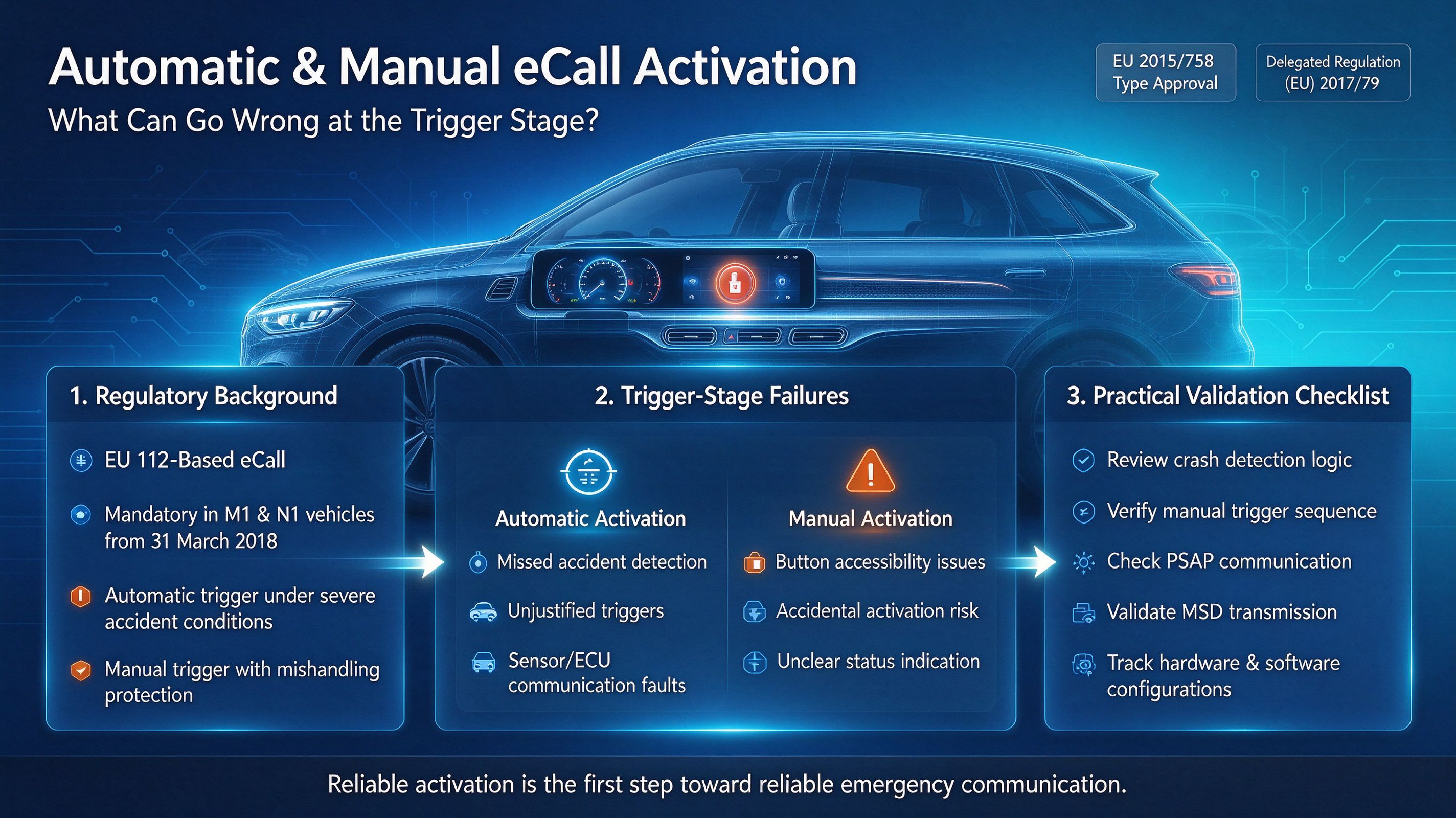 博客
Automatic and Manual eCall Activation: What Ca
阅读文章
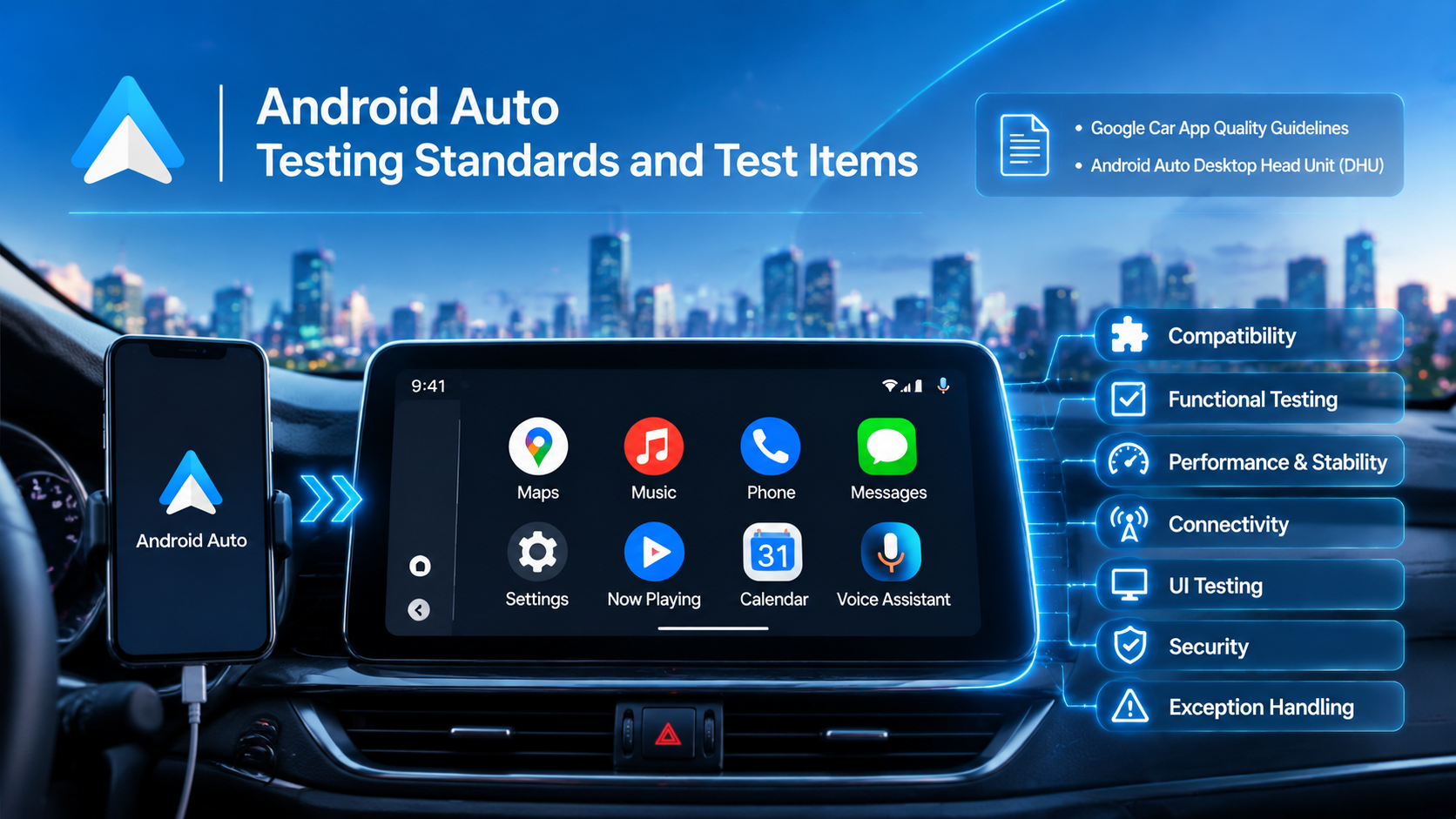 博客
Android Auto Testing Standards and Test Items
阅读文章
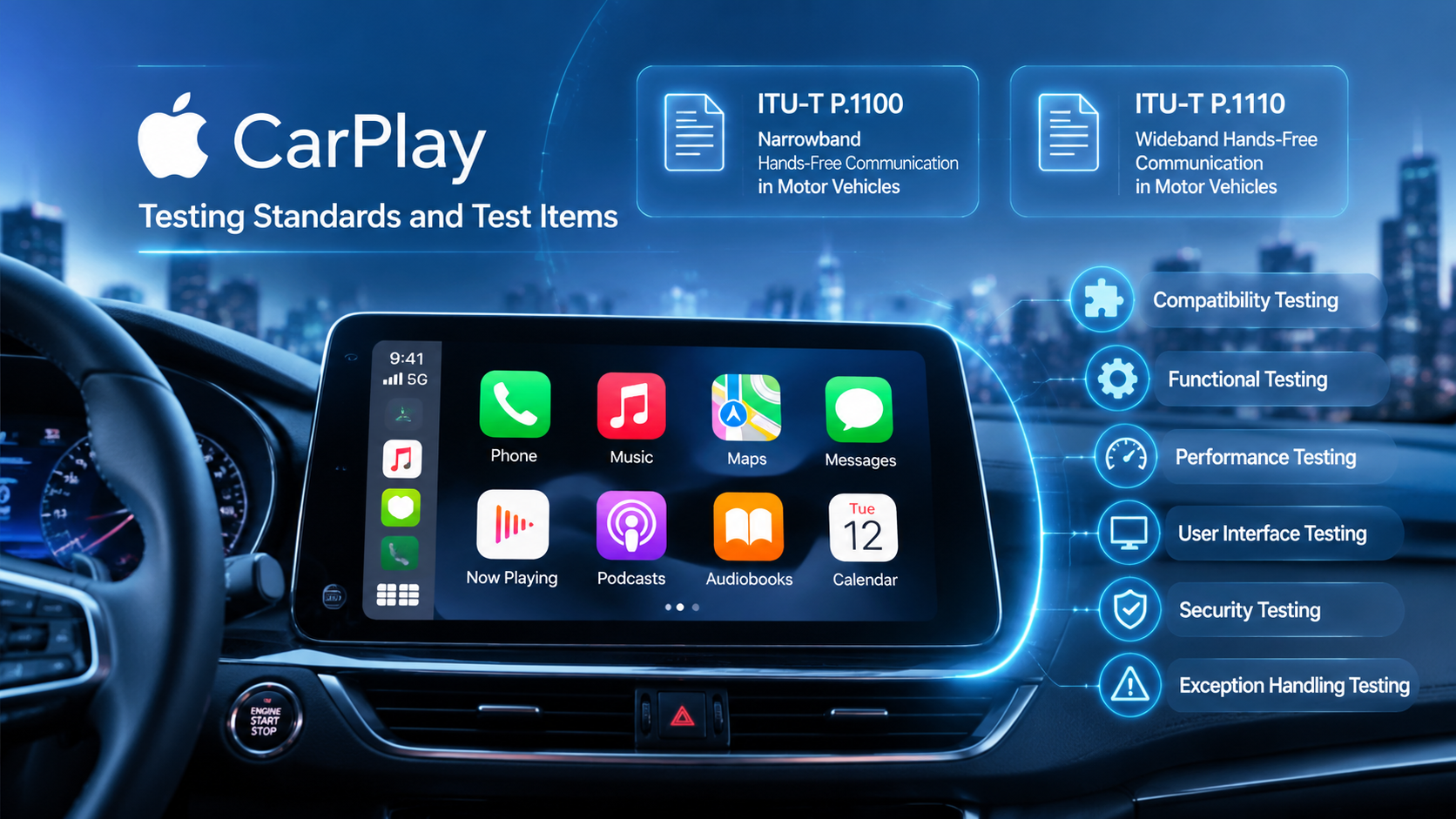 博客
CarPlay Testing Standards and Test Items
阅读文章

 4000259520