
 English
 Français
 Español
 日本語
 العربية
 繁体中文


How Should a Team Respond When an Android Auto App Does Not Meet a Car Quality Requirement?
Olivia | Blue Asia
Email: [email protected]
WhatsApp: +86 176 6360 6879
An Android Auto application may work correctly on a smartphone, but that does not automatically mean it meets Google's requirements for the in-car environment.
For app developers, automotive suppliers and system integrators, an unsuccessful quality review can raise several questions: Which requirement was not met? Does the issue affect the entire application or only a specific feature? What should be corrected before the next submission?
The key is to approach the issue systematically rather than making random changes.
1. Understand Google's Car App Quality Framework
Google provides a dedicated set of Car App Quality Guidelines for applications designed for Android Auto and Android Automotive OS.
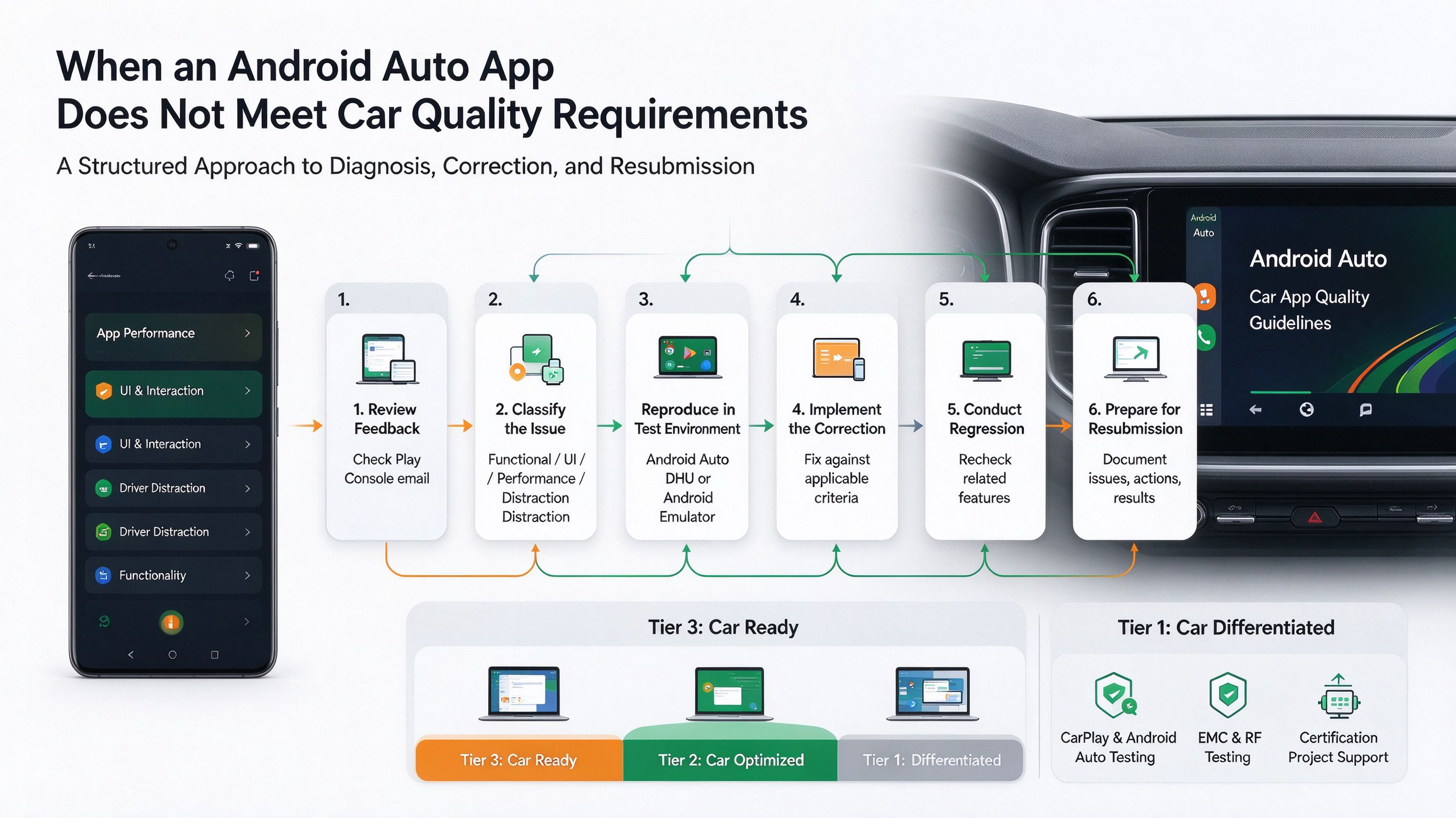
These guidelines define three quality tiers:
Tier 3 – Car Ready
The application is compatible with large screens and can be used while the vehicle is parked. This tier primarily applies to parked app categories.
Tier 2 – Car Optimized
The application provides a more suitable experience on the vehicle's center-stack display, with capabilities depending on the supported app category and driving conditions.
Tier 1 – Car Differentiated
The application is designed to work across different vehicle hardware configurations and displays, including center consoles, instrument clusters and additional screens.
An important point is that each category has its own applicable requirements. Not every application needs to satisfy every criterion listed in Google's documentation.
2. Identify the Actual Requirement That Was Not Met
When an application does not meet a quality requirement, the first step should be to identify the relevant criterion.
Google's guidelines cover several areas.
A. Application Performance
For applicable categories, Google specifies response and loading expectations:
App-specific buttons should respond within two seconds.
The application should launch within ten seconds.
Content should load within ten seconds.
These are specific criteria for the categories listed in the official guidelines, rather than universal requirements for every type of app.
B. User Interface and Interaction
Teams should examine whether the application follows the applicable in-car interface requirements.
Examples include:
Appropriate display contrast.
Correct use of supported interface templates.
No automatically scrolling text where prohibited.
Appropriate navigation and interaction flows.
Compliance with relevant screen and display requirements.
C. Driver Distraction
In-car applications must respect the restrictions applicable to their category and operating conditions.
For example, Google's guidelines restrict the availability and visibility of certain video, gaming and browser experiences while driving.
D. Application Functionality
Depending on the application category, developers may need to verify:
Correct message grouping and display.
Proper handling of navigation requests.
Relevant notifications.
Expected application-state restoration after relaunch.
Appropriate functionality for the supported in-car experience.
The important step is to connect each identified issue to the exact applicable criterion instead of treating all quality problems as the same type of failure.
3. What Should the Team Do After Identifying a Problem?
A structured correction process can help reduce unnecessary development cycles.
Step 1: Review the feedback
Check the notification received through the Google Play Console-associated email address.
Identify the affected application, feature and relevant quality criterion.
Step 2: Classify the issue
Determine whether the problem relates to:
Functional behavior.
User interface and interaction.
Performance.
Driver distraction.
Platform compatibility.
Application-specific functionality.
This classification helps the development team identify the appropriate owner.
Step 3: Reproduce the issue
Do not rely exclusively on assumptions or isolated observations.
Use the appropriate testing environment:
Android Auto: Android Auto Desktop Head Unit (DHU).
Android Automotive OS: Android Emulator.
The testing environment should match the platform and configuration being evaluated.
Step 4: Implement the correction
Make changes based on the actual requirement and the observed behavior.
For example, if an applicable application category does not meet the specified response-time criterion, investigate the relevant interaction and processing flow.
If a navigation-related issue is identified, review the applicable navigation templates, requests and notifications.
Step 5: Conduct regression testing
A correction should not be considered complete simply because the original issue disappears.
Recheck related functionality to identify potential side effects.
Step 6: Prepare for resubmission
Before submitting an updated version, review the applicable checklist again and maintain records of:
The original issue.
The corrective action.
The testing environment.
The verification results.
Any remaining limitations.
4. What Should Not Be Assumed?
There are several important distinctions that development teams should keep in mind.
Not every requirement applies to every application.
The applicable criteria depend on the app category and quality tier.
Android Auto and Android Automotive OS are not interchangeable.
They have different access methods and corresponding testing environments.
A successful smartphone test does not prove in-car compatibility.
The in-car environment introduces different interaction, display and usage considerations.
Passing an individual test does not guarantee Google Play approval.
Google conducts an additional manual review of car applications against applicable quality criteria.
These distinctions are important when planning development schedules and preparing for application review.
5. Building a More Efficient Validation Process
For automotive software teams, an effective validation process should begin before the formal submission stage.
A practical approach includes:
Identify the intended platform and application category.
Map the applicable Google quality criteria.
Review the application architecture and user interaction flows.
Conduct testing in the corresponding environment.
Document issues and corrective actions.
Perform regression testing before resubmission.
This approach can help teams identify potential problems earlier and make development and review activities more predictable.
6. How Blue Asia Can Support Automotive Projects
Blue Asia focuses on electronic testing and certification, automotive connectivity and global market access.
Our related service areas include:
CarPlay and Android Auto-related testing support.
Automotive electronics EMC testing.
RF and wireless testing.
Certification-related technical and project support.
For automotive OEMs, Tier 1 suppliers and electronic manufacturers, understanding both connectivity performance and applicable compliance requirements is important when developing in-vehicle systems.
The appropriate testing scope can be discussed according to the product configuration, project stage and specific technical requirements.
A quality issue should not lead to guesswork. It should lead to a clear diagnosis, a targeted correction and a verified result.
If your team is developing an Android Auto-related product or evaluating an automotive connectivity project, feel free to contact Blue Asia to discuss your requirements.
Olivia | Blue Asia
Email: [email protected]
WhatsApp: +86 176 6360 6879
 博客
How Should a Team Respond When an Android Auto
阅读文章
 博客
Wireless CarPlay: Why Is Initial Pairing Not E
阅读文章
 博客
What Happens If CarPlay Hardware or Firmware C
阅读文章
 博客
Automatic and Manual eCall Activation: What Ca
阅读文章
 博客
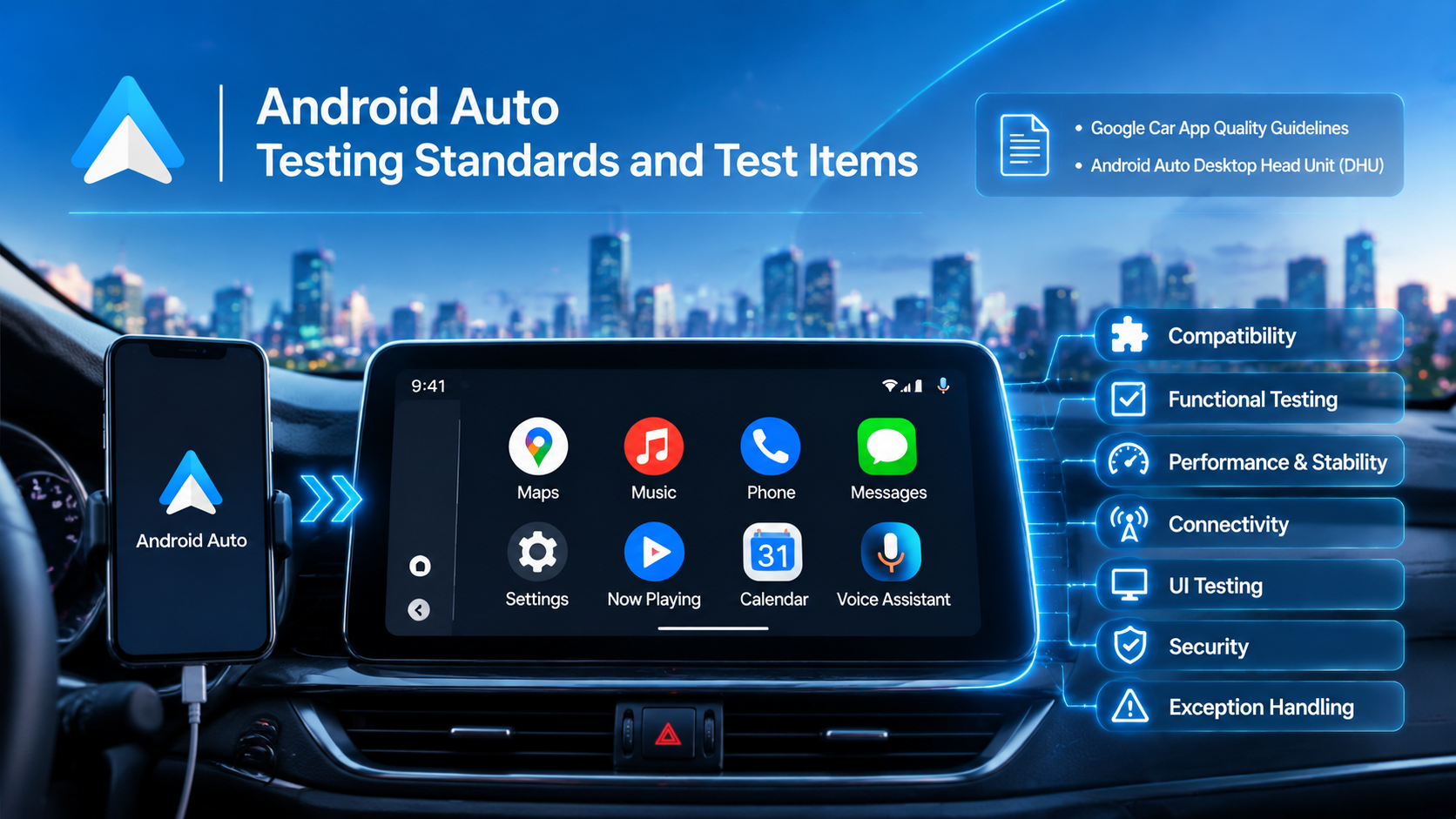
Android Auto Testing Standards and Test Items
阅读文章
 博客
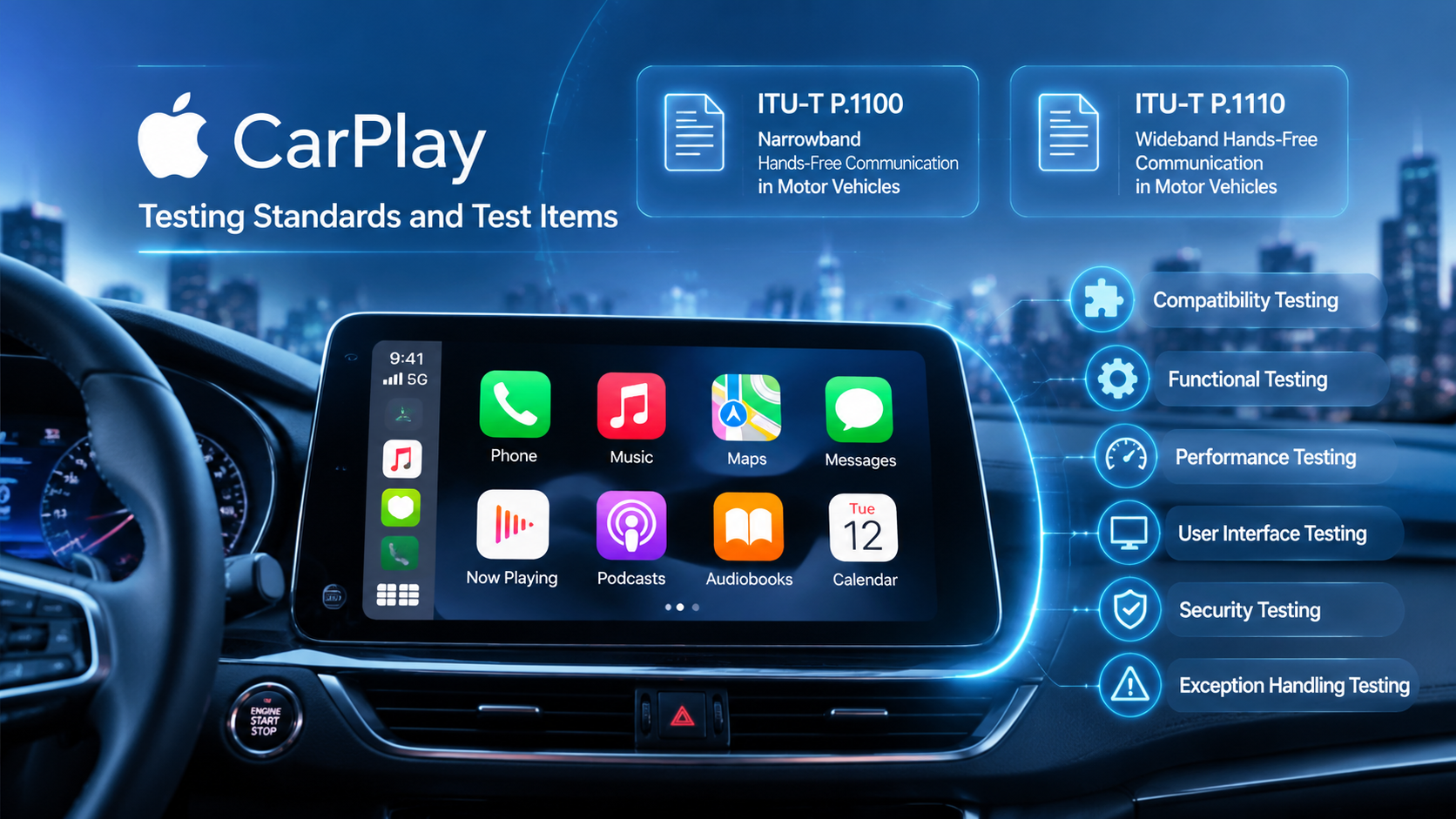
CarPlay Testing Standards and Test Items
阅读文章

 4000259520